Send documents for e‑signature.
Simple, secure, done.
Sign in
Sign in with your Google account.
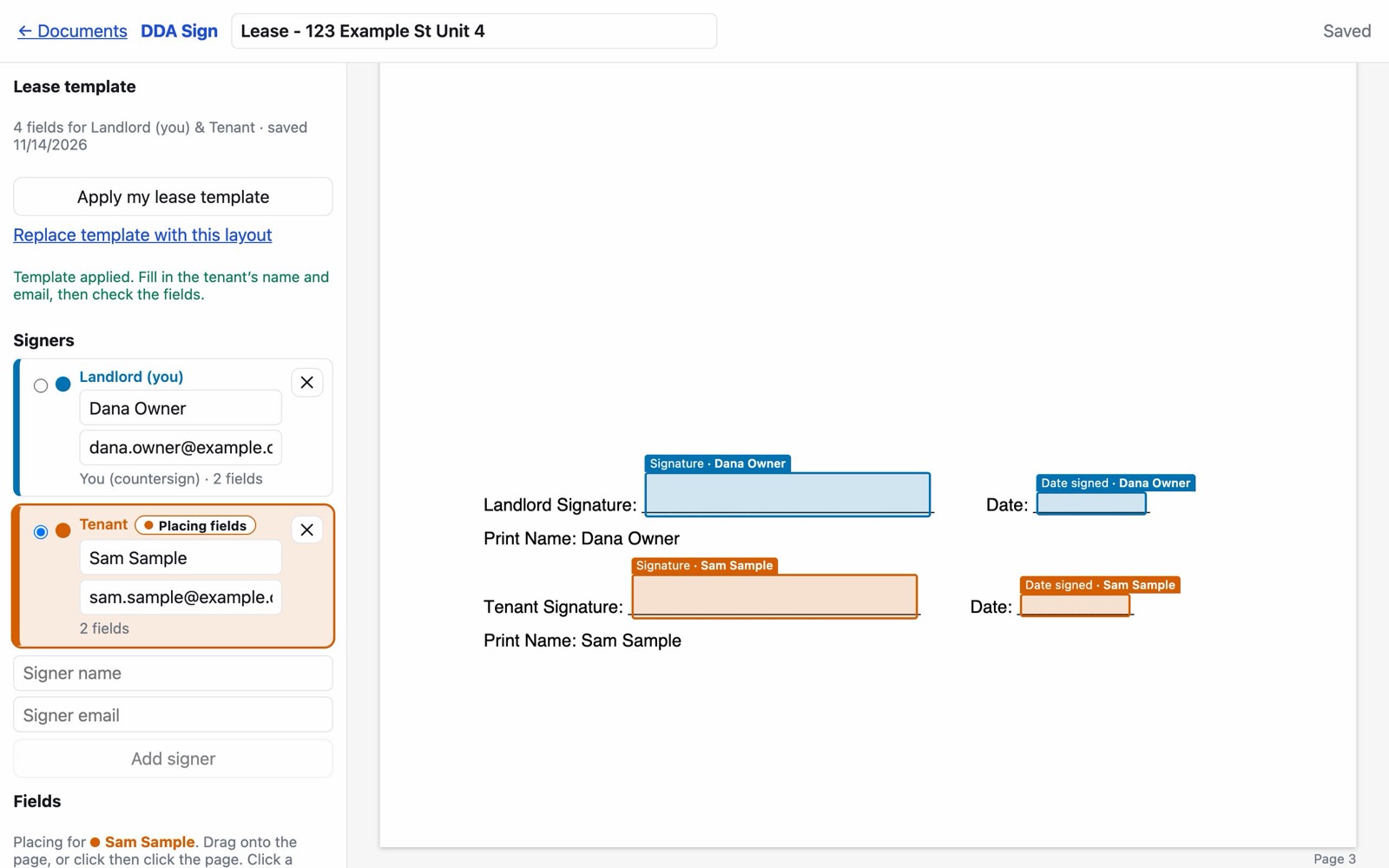
The real DDA Sign editor, shown with sample data.
How it works
Three steps from PDF to signed.
-
Upload your PDF.
Any PDF you already have. Nothing to convert or retype.
-
Place the signature boxes.
Drop signature, initials, date and name boxes where they belong, each one color‑coded to the person who fills it in.
-
They sign from their phone and everyone gets the signed copy.
Each signer gets a private link by email. When the last person signs, the finished copy goes to everyone.
Why DDA Sign
Everything a signature needs, nothing it doesn’t.
Any document, not just leases
Leases, addenda, agreements, forms: if it’s a PDF, it can be signed.
Signers need no account
No app to install and no password to create. They open the link and sign.
Signed copy plus a completion certificate, automatically
The certificate records who signed and when, attached to the signed PDF.
Optional copies to Google Drive
Turn it on and each completed document is also saved to your Drive. It only touches files it creates.